
The Big Retro Computer Plan
In this post, I’ll share the plan for my journey into the world of retro computing, exploring the systems I used …
retro-computers
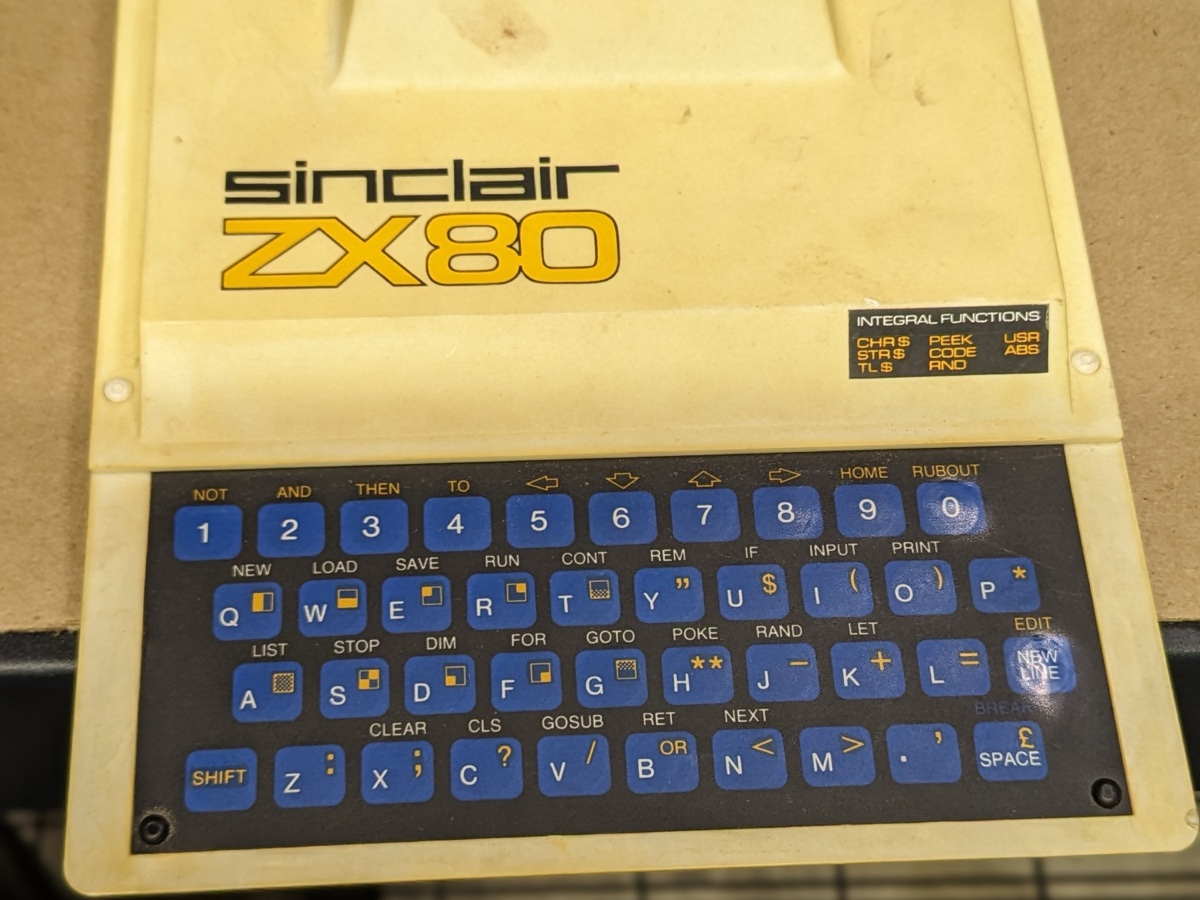
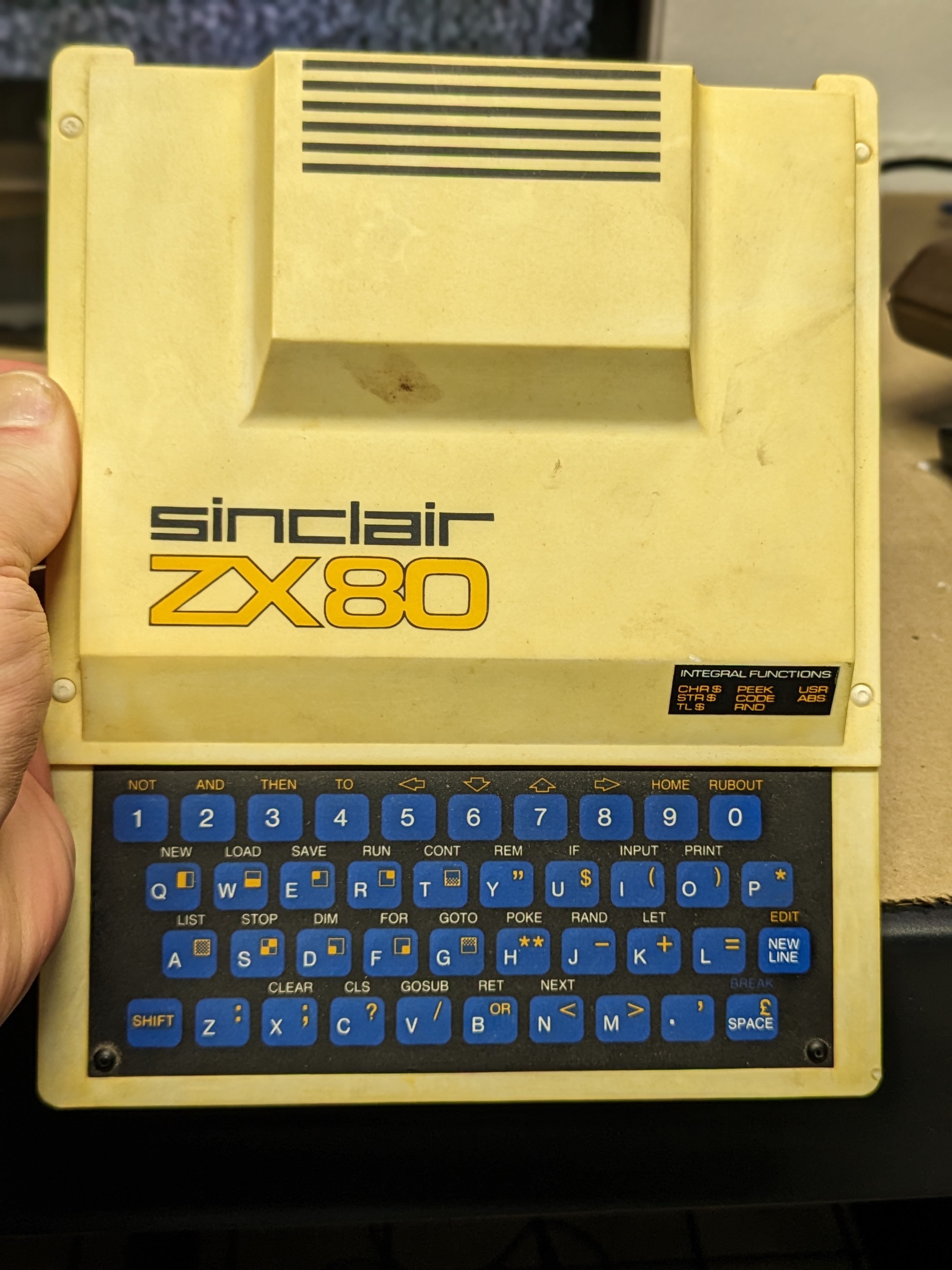
A month ago, I stumbled upon a treasure: a Sinclair ZX80, a relic from the early days of home computing and my first personal computer. It wasn’t a hefty investment—around $180—but finding one in decent condition for under $500 these days is rare. This one had a noticeably yellowed case, but structurally, it looked solid, and the labels were pristine. The owner stated that they never even tried to see if it worked but left it up to the buyer. Usually, the owner will say “untested” if they know it does not work. But in this case, I believed the owner and was excited to get it at such a low price. (See my complete journey)
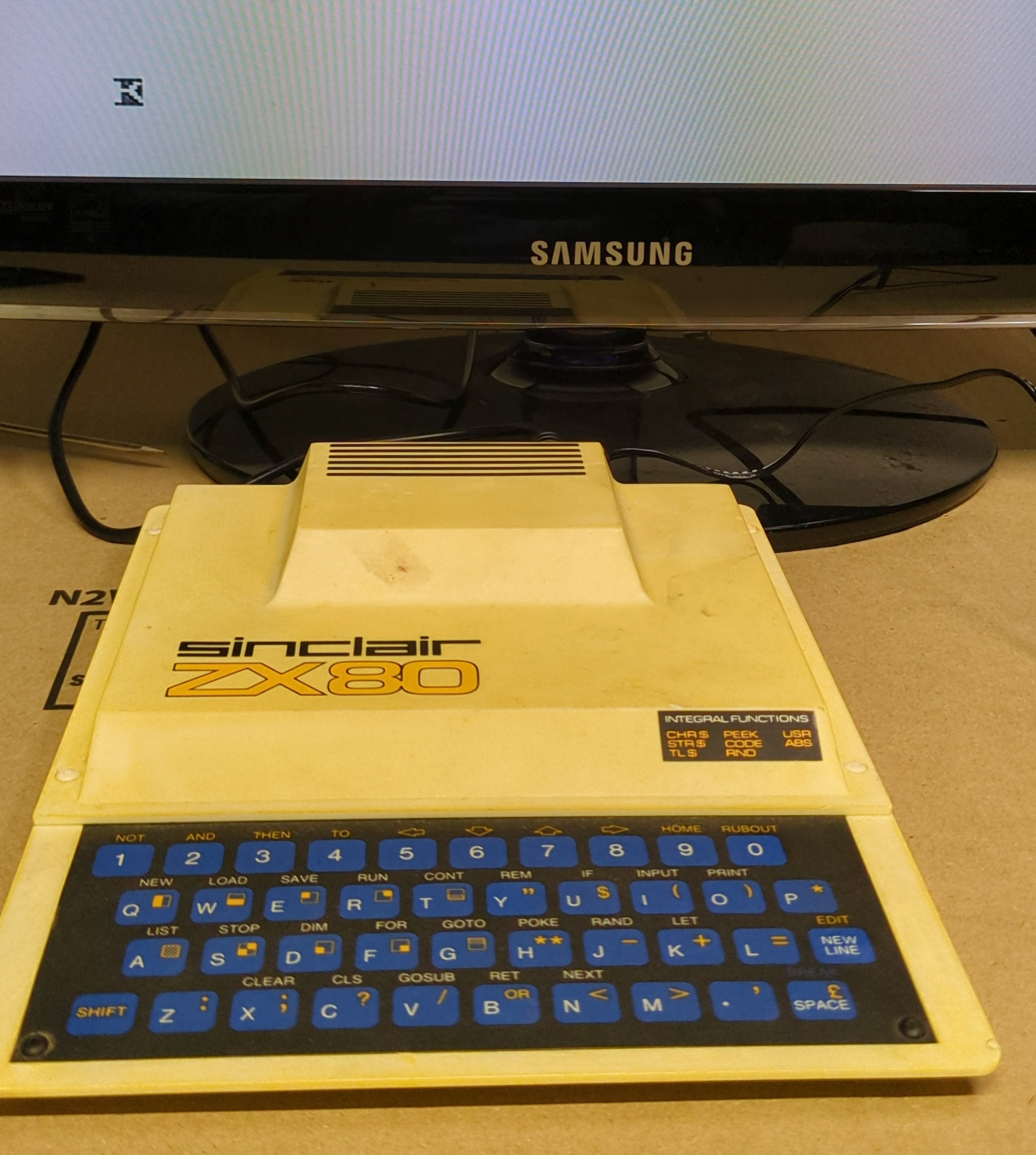
I also ordered a nostalgic advertisement for this same computer as I plan to make a nice display once I get it working. I received them in about a week but was waiting on a proper monitor and connector to use for my boxes with composite video outputs. I eventually picked up a small flat-panel Samsung TV, which worked perfectly for my other devices. I was ready to give it a go. Excitement bubbled as I plugged it in, eager to relive the digital past.
Upon booting up, the screen flickered to life. A blinking “K” cursor greeted me—a nostalgic wink from the past. But something was slightly off. The cursor appeared dim, and the commands I typed were barely legible. But it surely was working. I could definitely make out the characters enough to write a simple print loop and run it. And so, I have a working ZX80, and I am sure that with a little research, I can fix the video issue.
I was eager to get this little computer cleaned up. Step one: remove the case. I delicately popped out the tiny plastic rivets, revealing the ZX80’s inner workings. To my relief, everything looked intact and in really great condition. No major damage, except for one minuscule crack in the bottom of the case—barely noticeable. But there was a curious detail: a nibbled corner on the piezoelectric oscillator. Was it a rat’s handiwork? Regardless, the cursor still danced on the screen, showing life.
Now that I know I have a working computer, it’s time to bid farewell to that sun-dyed yellow plastic case. I’ve researched the “Retro-brite” process, which typically uses sunlight and hydrogen peroxide to remove the yellow tint. In a future article, I’ll delve into this process and hopefully present some stunning pictures and videos of my final product. So please join me on this continuing retro adventure, where we’ll resurrect a piece of computing history—one byte at a time. And don’t forget to watch my videos!
Stay tuned for the next chapter! 🚀
In this post, I’ll share the plan for my journey into the world of retro computing, exploring the systems I used …

As the new year unfolds, I find myself embarking on a thrilling journey back in time. A voyage that takes me to the …